

Best Free And Open Source IT Support Tools
Small IT teams often work with limited budgets. Paying for multiple tools early on does not always make sense. Free and open source tools can cover most daily needs if chosen carefully. The goal is simple. Manage support requests, track systems, and keep workflows organized without adding cost or complexity.
What to Look for in Free IT Tools?
Not all free tools are useful. Some are limited, while others are strong enough for daily use.
Key things to check before choosing:
Active community and regular updates
Easy setup without heavy configuration
Basic features for daily support tasks
Ability to scale as the team grows
Good documentation for quick learning
For SaaS teams, help desk software for Saas should also support user-level tracking and integrations.
Best Free and Open Source IT Support Tools
Here are tools that small IT teams commonly use:
1. Spiceworks Help Desk
Free ticketing system with core features
Simple setup for small IT teams
Built-in reporting for basic insights
Community support for troubleshooting
2. osTicket
Open source ticket management system
Customizable workflows for support teams
Email-based ticket creation support
Suitable for basic help desk software needs
3. Zammad
Modern interface with a clean design
Multi-channel ticket handling support
Strong search and ticket filtering
Good option for growing teams
4. GLPI
Asset management with a ticketing system
Tracks hardware and software inventory
Useful for structured IT environments
Strong reporting and tracking features
5. Nagios Core
System monitoring for IT infrastructure
Alerts for downtime and performance issues
Works well with other support tools
Requires setup and technical knowledge
Quick Comparison Table
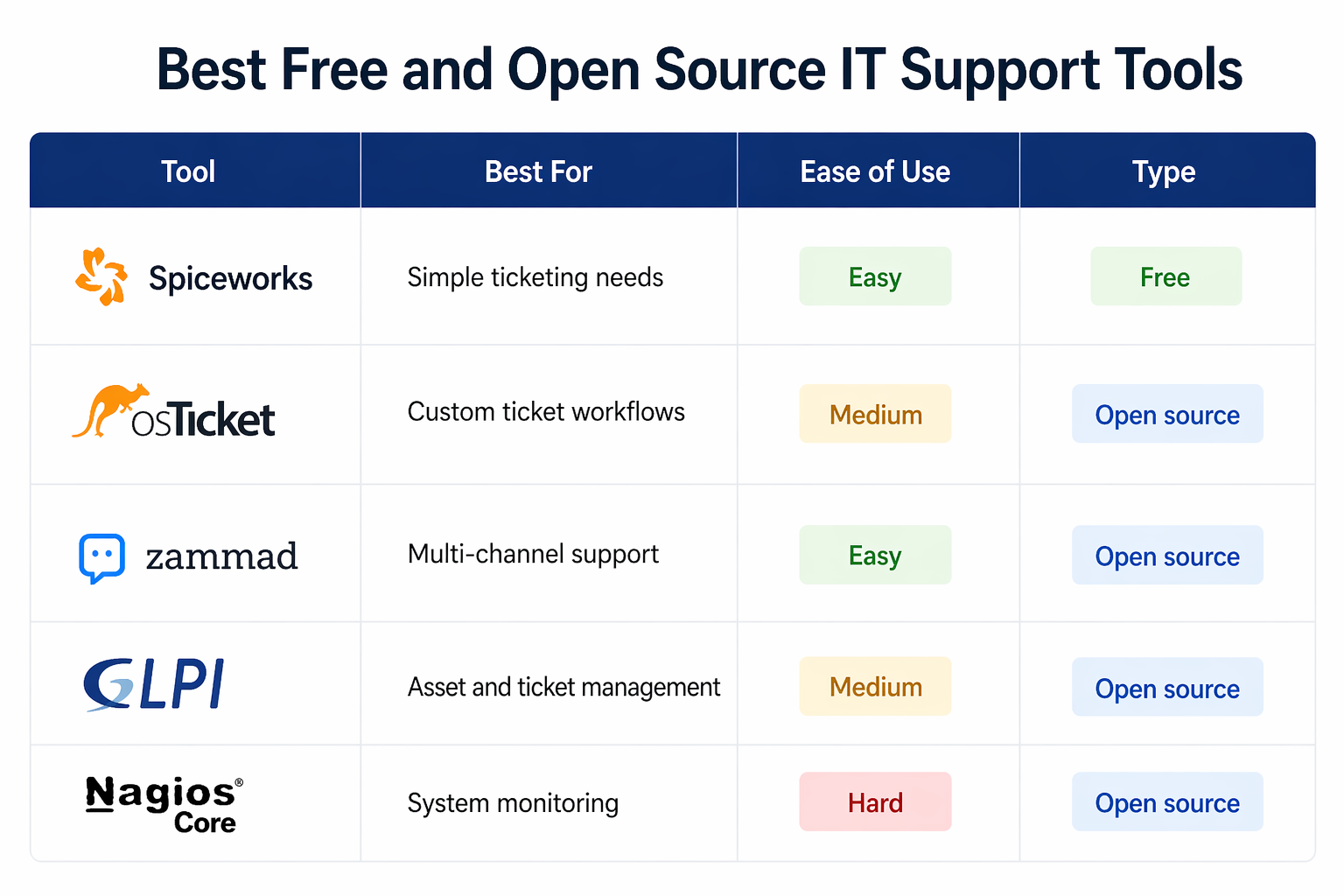
Here is a quick comparison of free and open source IT support tools:
Tool | Best For | Ease of Use | Type |
|---|---|---|---|
Spiceworks | Simple ticketing needs | Easy | Free |
osTicket | Custom ticket workflows | Medium | Open source |
Zammad | Multi-channel support | Easy | Open source |
GLPI | Asset and ticket management | Medium | Open source |
Nagios Core | System monitoring | Hard | Open source |
When Free Tools Work Best?
Free tools are useful when your needs are simple and your team is small.
Situations where free tools work well:
Low volume of daily support tickets
Small IT team with basic workflows
Limited budget for software tools
Internal support instead of customer-facing
Teams comfortable with manual setup
Help desk software can still be effective at zero cost if your process is clear.
Frequently Asked Questions
What is the best free help desk software?
Spiceworks and osTicket are popular choices because they are simple to use and cover basic ticketing needs.
Are open source IT tools reliable?
Yes, if they have active communities and regular updates. Many teams rely on them for daily operations.
Can free tools replace paid help desk software?
For small teams, yes. For larger teams, paid tools offer better automation and scalability.
Which help desk software for Saas teams is free?
Zammad and osTicket are good starting points for SaaS teams with small support volumes.
Do free tools support automation?
Some offer basic automation, but advanced workflows are usually limited compared to paid tools.
Related Posts

Key Help Desk Features For Finance Teams
Discover key help desk features for finance teams. Improve control, tracking, and compliance with the right setup while keeping workflows simple and efficient.

Why Help Desk Systems Fail After Implementation
Learn why help desk systems fail after implementation. Fix adoption issues, improve workflows, and track ROI to get better results from your support setup.