

Why Help Desk Systems Fail After Implementation
Many teams invest time and money into a help desk system, expecting smoother support and faster responses. Yet after a few months, usage drops, tickets get messy, and the tool feels like extra work. The issue is rarely the software itself. It is how the system is set up, used, and managed after launch.
Lack of Clear Workflow From Day One
Most failures start with an unclear structure. Teams jump into the tool without defining how tickets should move, who owns what, or how priorities are set.
What usually goes wrong?
No defined ticket stages or flow
Confusion around ownership and responsibility
Inconsistent tagging and categorization
No clear priority or urgency rules
Different team members follow different processes
Without a clear workflow, even a good system becomes difficult to use.
Poor Team Adoption
A help desk system only works if the team uses it daily. If it feels slow or unnecessary, people go back to email or chat.
Signs of low adoption early on:
Team avoids logging tickets regularly
Updates happen outside the system
Tickets remain incomplete or outdated
Internal communication shifts to other tools
Managers lack visibility into ongoing work
Adoption is not automatic. It needs structure and accountability.
Overcomplicated Setup
Many teams try to set up everything at once. They add too many fields, rules, and workflows, which makes the system hard to use.
Common setup mistakes teams make
Too many custom fields and categories
Complex automation that confuses users
Unnecessary approval layers for simple tasks
Long forms that slow ticket creation
Trying to cover every edge case
Simple systems get used. Complex ones get ignored.
No Ownership or Accountability
If no one owns the system, it slowly breaks. Teams need someone responsible for maintaining structure, reviewing usage, and fixing gaps.
What happens without clear ownership?
Ticket quality drops over time
Workflow rules stop being followed
Reports become inaccurate or incomplete
No one tracks system performance
Small issues turn into bigger problems
Assigning ownership keeps the system consistent.
No Measurement of Impact
Many teams never check if the system is actually helping. They track activity, not results. Using a help desk ROI calculator can help teams understand if the tool is saving time, improving response rates, or reducing workload.
What should be measured regularly?
Average response and resolution time
Number of tickets handled per agent
Ticket backlog and pending requests
Customer satisfaction trends over time
Time saved through automation
Without tracking outcomes, it is hard to improve.
Poor Fit for Specific Teams
Not all help desk systems work the same for every department. For example, finance teams need more control and visibility. If the system does not match those needs, teams stop relying on it.
Where mismatch usually happens:
Lack of approval workflows for finance teams
Missing audit trails for financial requests
No role-based access for sensitive data
Limited reporting for compliance needs
Poor integration with financial tools
Choosing help desk software for finance teams requires more focus on control and tracking.
Weak Integration With Existing Tools
A help desk system should fit into your existing workflow, not replace everything. If it does not connect with your tools, it creates extra work.
Problems caused by poor integration:
Duplicate data across multiple tools
Manual updates between systems
Delayed communication across teams
Loss of context in ticket history
Increased workload for simple tasks
Good integration keeps everything connected and efficient.
Quick View of Common Failure Reasons
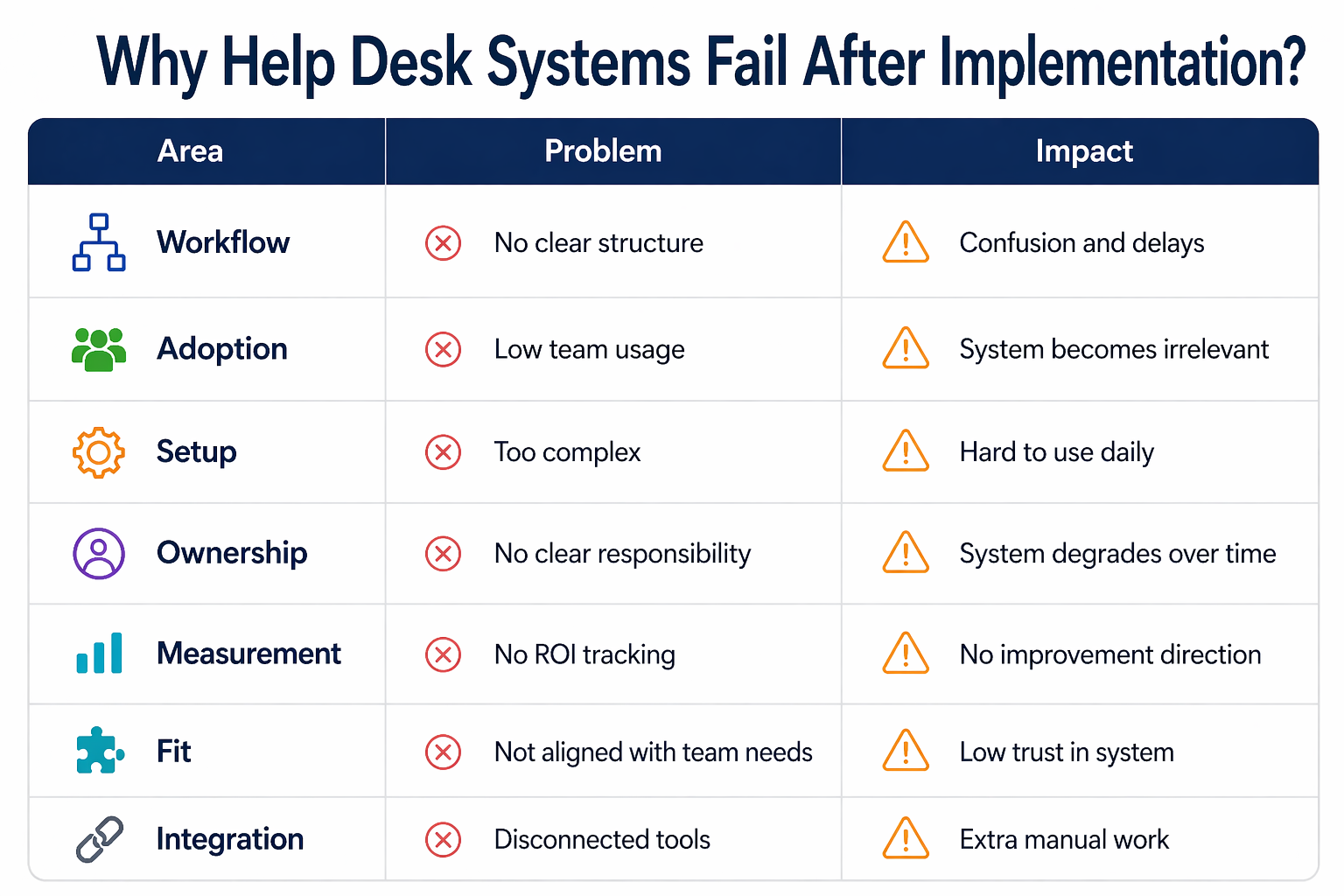
Area | Problem | Impact |
|---|---|---|
Workflow | No clear structure | Confusion and delays |
Adoption | Low team usage | System becomes irrelevant |
Setup | Too complex | Hard to use daily |
Ownership | No clear responsibility | System degrades over time |
Measurement | No ROI tracking | No improvement direction |
Fit | Not aligned with team needs | Low trust in system |
Integration | Disconnected tools | Extra manual work |
How to Avoid These Failures?
Fixing these issues does not require a new tool. It requires better usage.
Simple ways to improve your system:
Keep workflows simple and easy to follow
Train team with real support scenarios
Assign clear ownership for the system
Review usage and reports regularly
Track value using the help desk ROI calculator
For teams handling sensitive operations, selecting the right help desk software for finance teams also ensures better control and reliability.
Frequently Asked Questions
Why do help desk systems fail after implementation?
Most systems fail due to poor adoption, unclear workflows, and a lack of ownership. Teams stop using them when they feel complex or unnecessary.
How can I improve help desk adoption?
Keep the system simple, train your team properly, and ensure that every task goes through the tool rather than external communication.
What is a help desk ROI calculator?
It helps measure how much time and effort your system saves compared to manual processes, giving a clear view of its actual value.
Why is help desk software for finance teams different?
Finance teams need approval workflows, audit trails, and strict access control, which standard setups often do not handle well.
Can a failed help desk system be fixed?
Yes, by simplifying workflows, improving adoption, and tracking performance regularly, most systems can be improved without switching tools.
Related Posts

Key Help Desk Features For Finance Teams
Discover key help desk features for finance teams. Improve control, tracking, and compliance with the right setup while keeping workflows simple and efficient.

Best Free And Open Source IT Support Tools
Explore the best free and open source IT support tools for small teams. Manage tickets, monitor systems, and improve workflows without high software costs.